Contextual Menu Panel
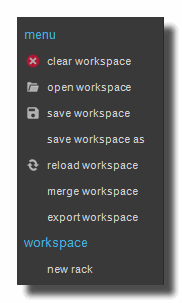 The contextual menu displays various commands (buttons) related to the currently selected object. It's where you can find classic commands like open, clear, save as and reload, etc.
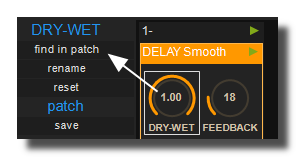
find in patch
For interface-design module (faders, knobs, switch, etc.) this command will open the patch-editor-panel and select the corresponding module. [CTRL/CMD + P]
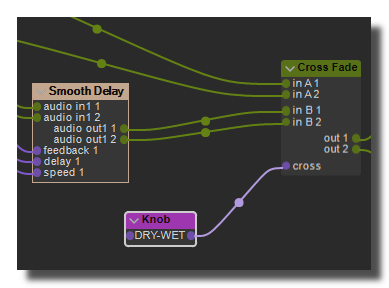
find in patch for delay knob
show patch
This general command is visible when a patch is selected and provides quick access to open the patch-editor-panel.
randomize
Randomizes the selected object, when its setting can be randomized is ON.
reset
Resets the selected object to its default value, when its setting can be reset is ON.
clear binds
Removes the binds of the selected control. Only shown when the control has binds.
clear recorded curve
Clears the automation curve recorded on the selected control. Only shown when a curve was recorded.
save patch
Saves the top patch that holds the selected control. [ALT + CTRL/CMD + S]
color
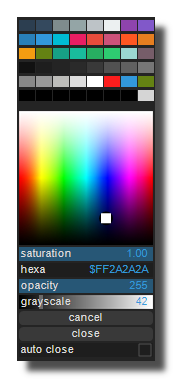
Lets you change the main color of the selected object.
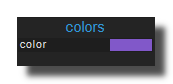
It opens the color palette.
See also
version 7.0.250921
Edit All Pages