Script Editor Panel
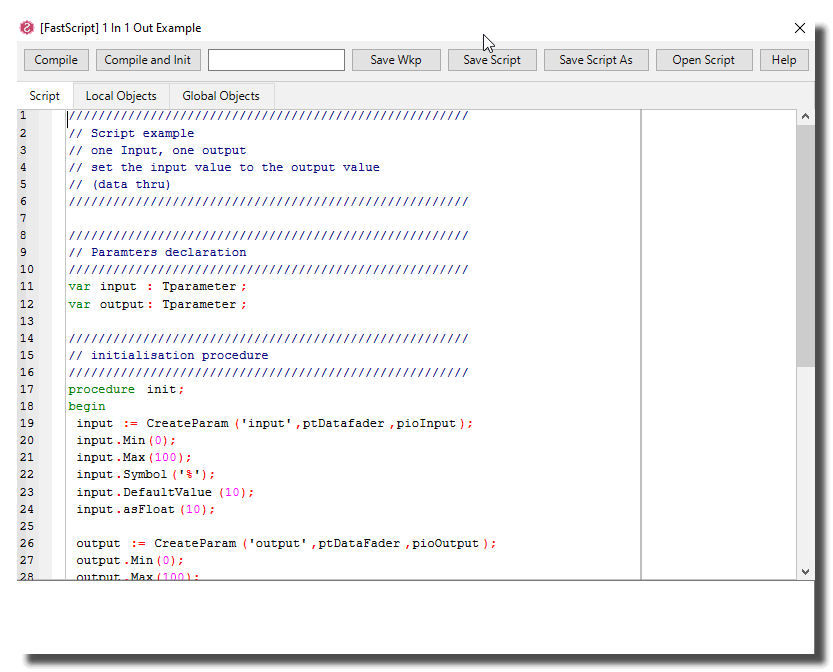
Built-in script editor panel used to create or modify scripts in a 'Pascal' like language.
To apply modifications you need to click on compile or compile and init. See below.
Tabs
script tab
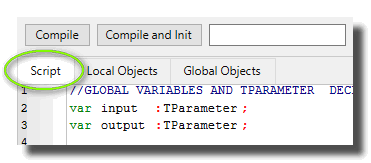
This is the script editor where you type or edit the script. See scripting.
local objects tab
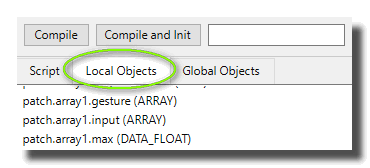
Gives the list of all Patch Usine Objects available. See usine-objects.
global objects tab
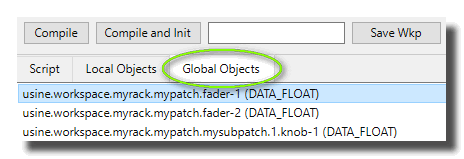
Gives the list of all global Usine Objects available. See usine-objects.
In the local objects and global objects tabs, the filter field shows only the objects whose name contains its text.
Commands
compile
Compiles the current script without reset the inlets/outlets values [CTRL/CMD + F9].
compile and init
Compiles the current script but also reset the inlets/outlets to their default values [CTRL/CMD + SHIFT + F9].
save workspace
Saves the workspaces and the setup [CTRL/CMD + S].
save script
Saves the edited script [CTRL/CMD + ALT + S].
save script as
Saves the edited script with a new name [CTRL/CMD + ALT + A].
open script
Opens a new script [CTRL/CMD + O].
editor help
Show help about the script editor panel (this page) [CTRL/CMD + F1].
script references help
Shows the scripting reference.
usine objects help
Shows the usine-objects page.
See also
version 7.0.250921
Edit All Pages