Start Page Panel
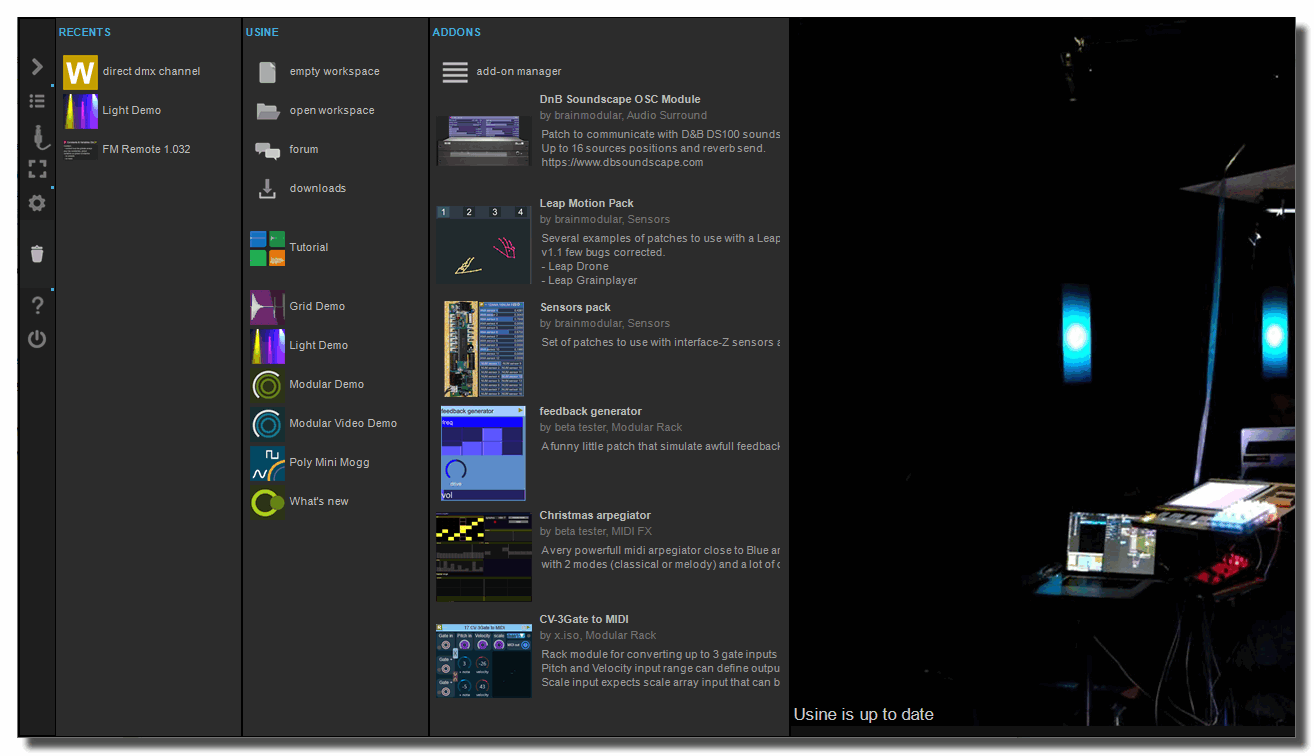
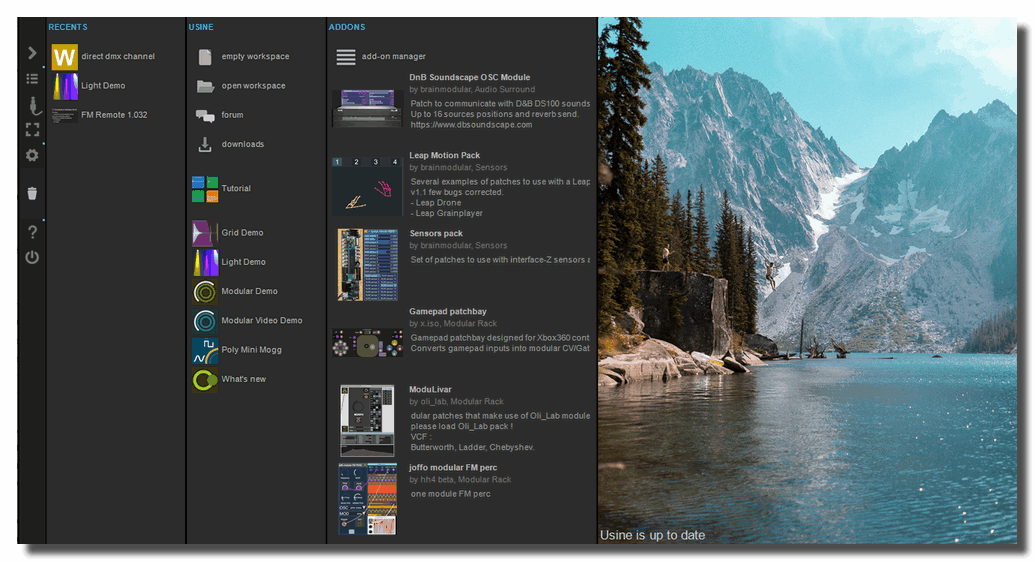
Start page welcomes you at the launching of Usine. On this page you can easily open your recent workspaces, some ready made templates (that you can customize yourself), some demos, playlist, etc.
recents
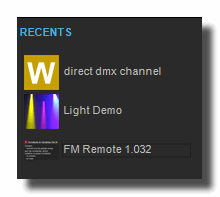
Displays the most recent workspaces opened in Usine. Click on the picture of a workspace to open it.
This area will not be present at the first-launch of Usine.
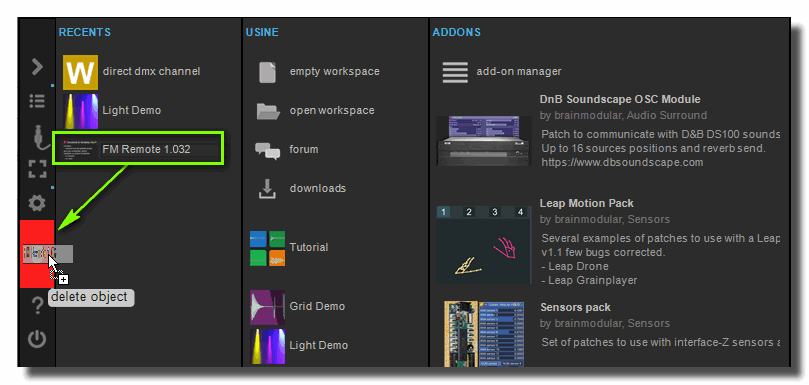
delete a recent file
Drag&Drop items on trash-bin to remove them from the recent list.
demos
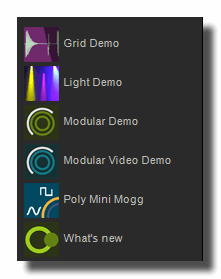
This section contains demo workspaces available to inspire and help you to explore Usine's endless-possibilities. In the USINE column, the demos follow the menu icons and the tutorial workspaces, and the workspace templates come last.
Click on the picture of a workspace to open it.
menu icons
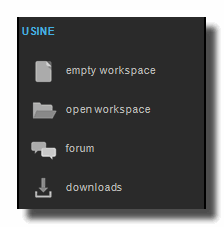
- empty workspace: loads a new empty workspace with only one empty rack.
- open workspace: opens an existing workspace.
- online manual: opens your web browser on the online manual.
- YouTube channel: opens your web browser on the Usine YouTube channel.
- downloads: opens your web browser on the download page to get the latest versions, manuals, sdk.
- forum (in the FORUM column): opens your web browser on the Usine forum.
Change background pictures
To display personal pictures on the start page background just add
pictures in the /Config/Startpage/ folder. When this folder holds no picture, the Usine pictures are displayed. Click on the picture to display the next one.
See also
version 7.0.250921
Edit All Pages