Horizontal Scrollbar Panel
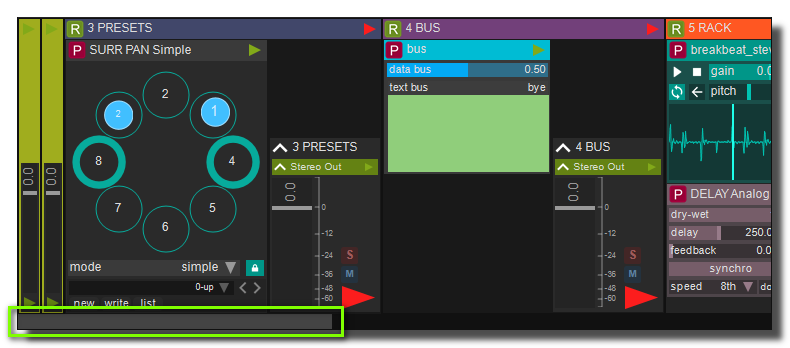
When you zoom in your workspace or when you have a large number of visible racks, the scrollbar bar appears and lets you scroll the interface.
Settings
These settings are in the design tab of the panel that holds the scrollbar (for example the workspace or a control-panel).
show horizontal scroller
Shows or hides the scrollbar.
horizontal scroller height
Height of the scrollbar, in pixels (0 to 100).
height = 0 means invisible.
horizontal scroller color
Color of the scrollbar cursor.
horizontal scroller back color
Background Color of the scrollbar.
horizontal scroller opacity
Opacity of the scrollbar (0.2 to 1).
See also
version 7.0.250921
Edit All Pages