Interface Builder Panel (IB)
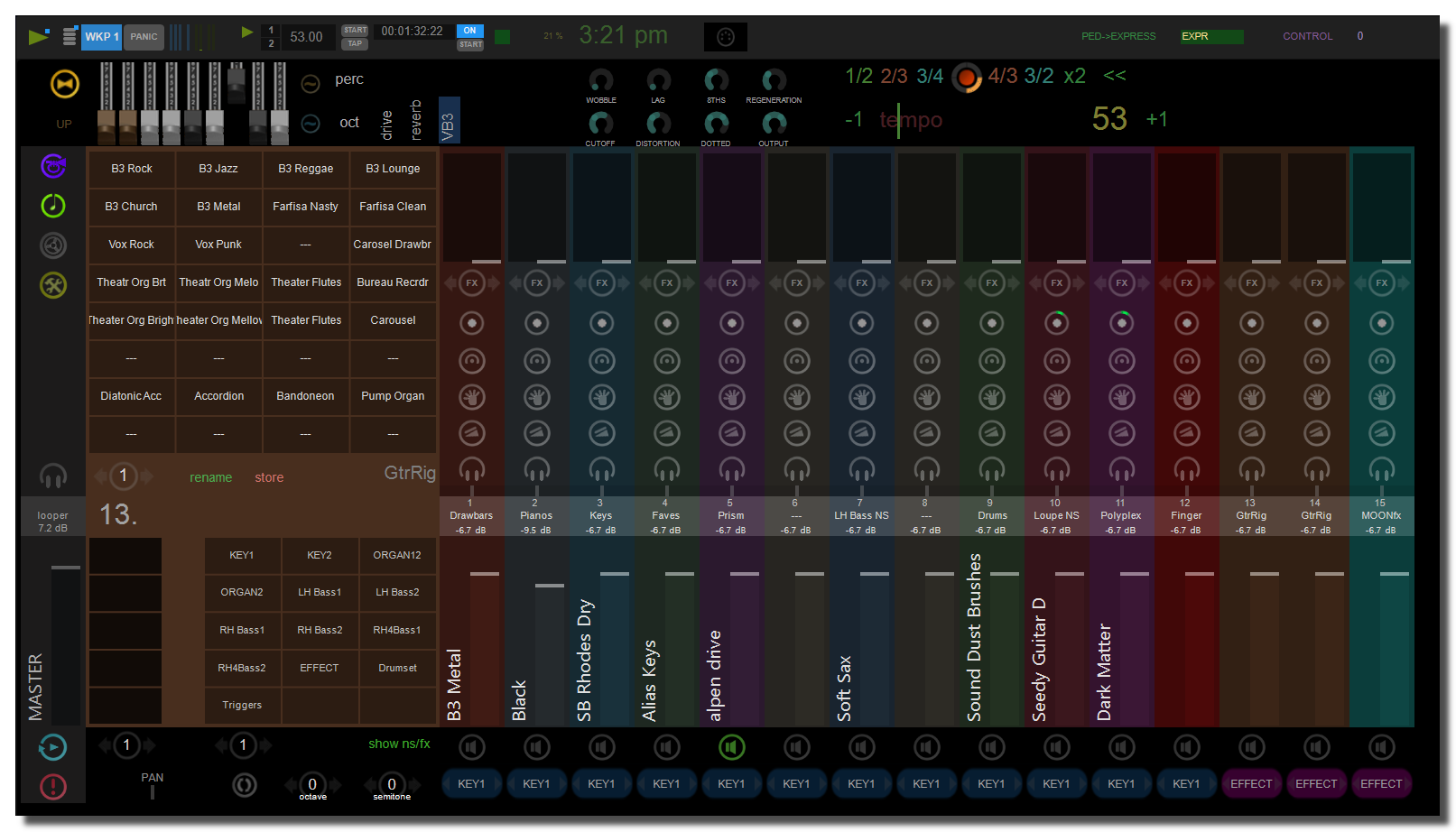
The Interface Builder (IB) is a special display mode, useful on stage situation when you need to only see the main controls. See interface-builder tutorial.
To put a control in the interface builder use the location option in its settings panel.
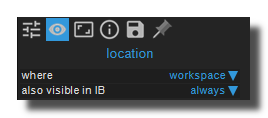 .
- display location=ib only (interface builder (IB) for a patch or a rack) : the object will be visible in the interface builder only, invisible in its original location.
- also visible in interface builder :
- no the object is never visible in IB
- always the object is always visible in IB
- if patch ON (if rack is ON for a rack) the object is visible only if the patch or the rack is ON, invisible otherwise.
See location for all the options.
 You can hide the main-menu-panel
by clicking on this icon in the master-panel.
See also
version 7.0.250921
Edit All Pages