Patching Commands
Various tips for fast patching.
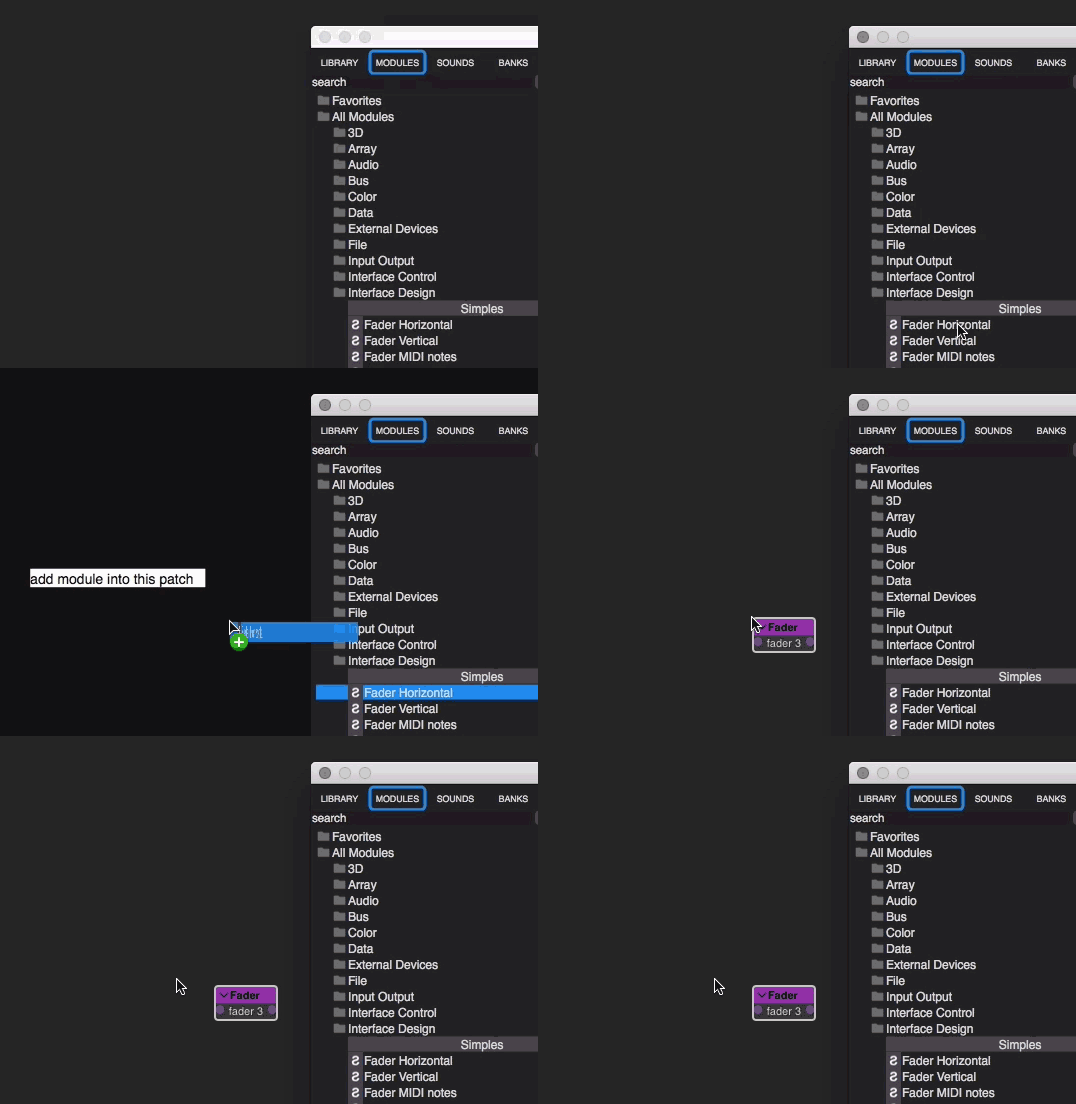
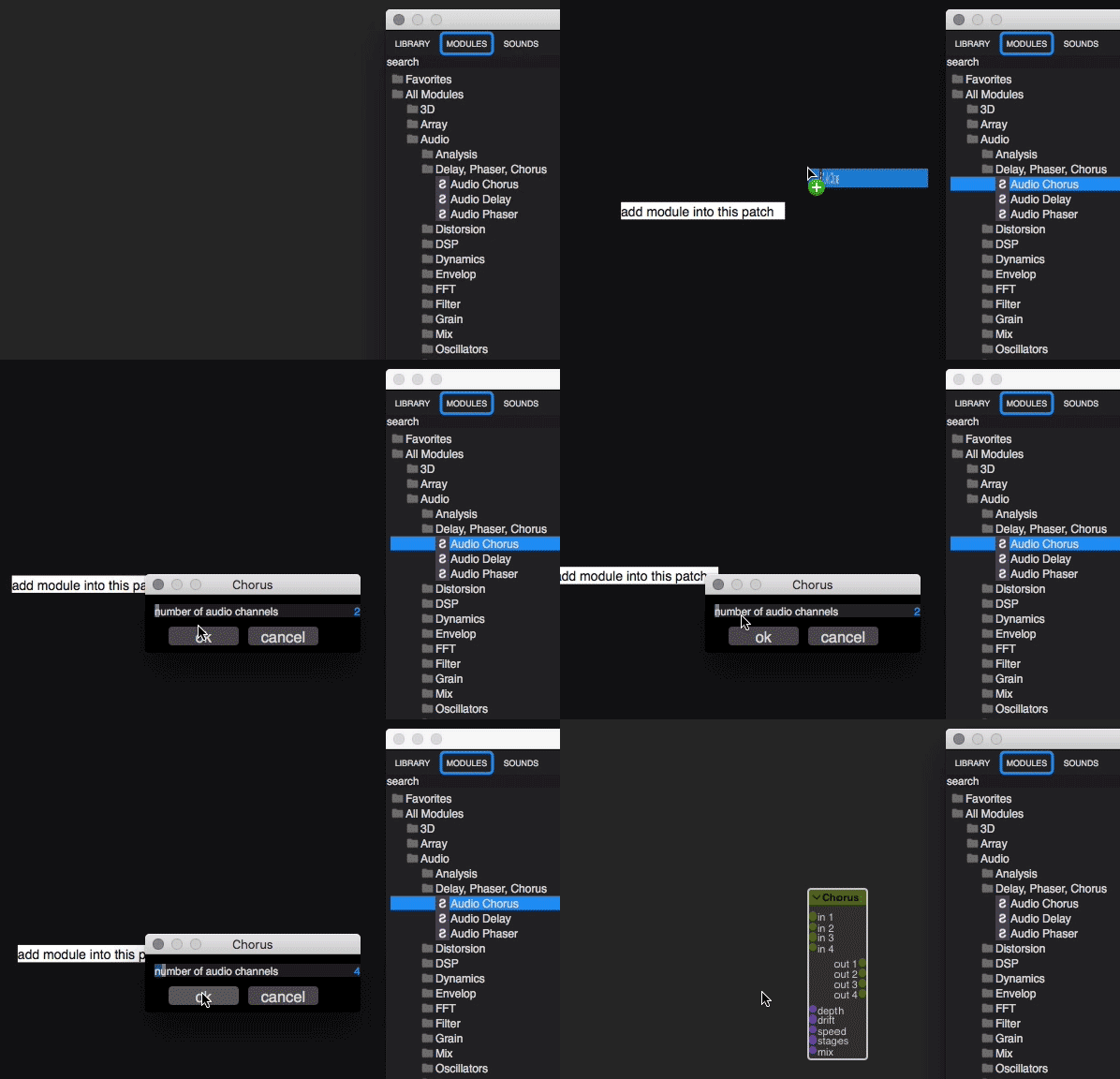
Add a new module
[Drag&Drop] from the browser.
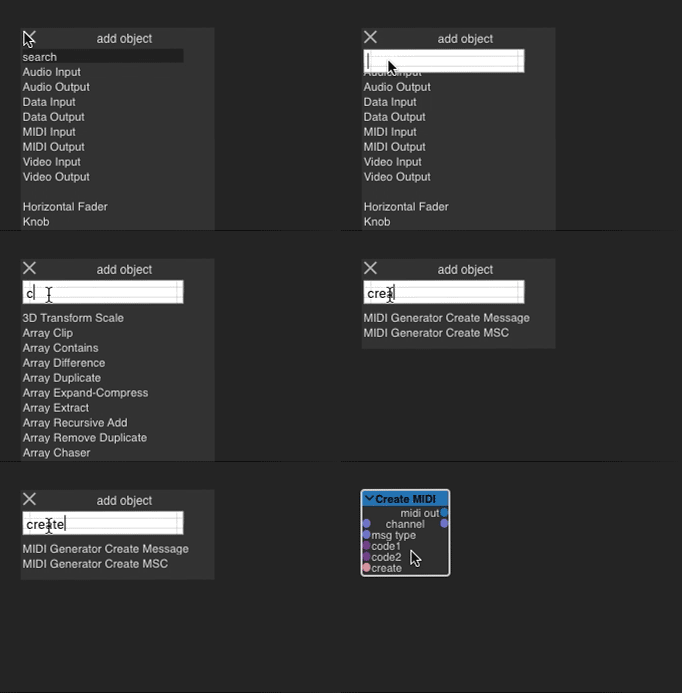
[Right Click] and use the search field.
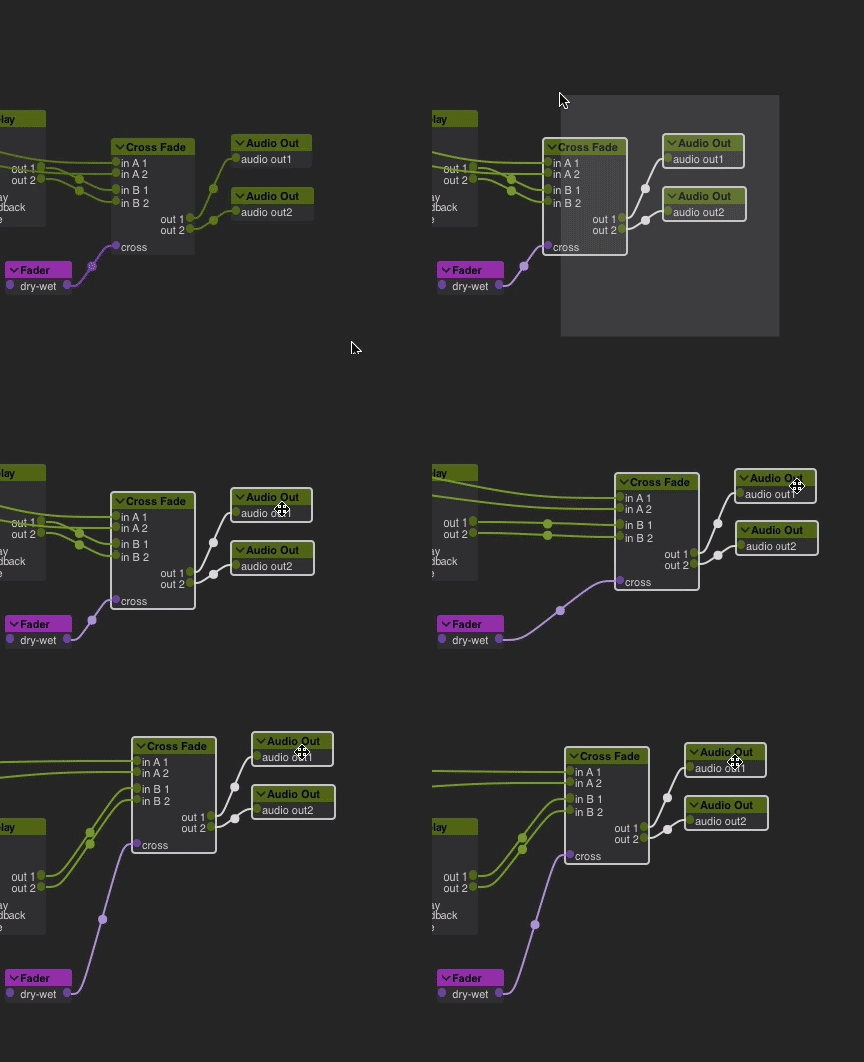
Select modules or wires
Square selection with the [Shift] key.
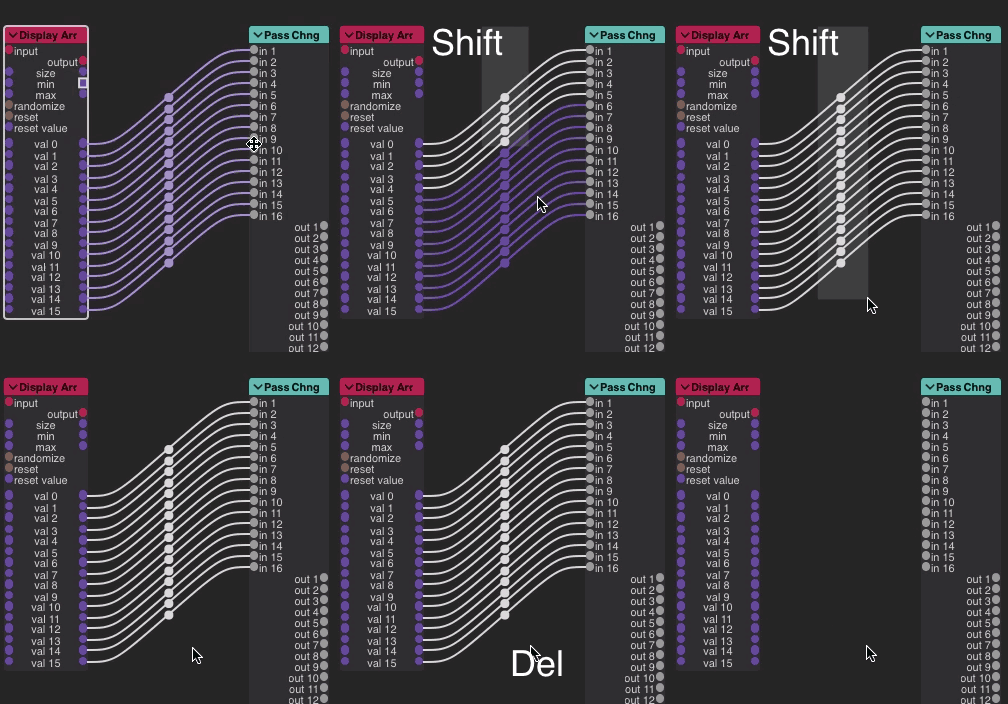
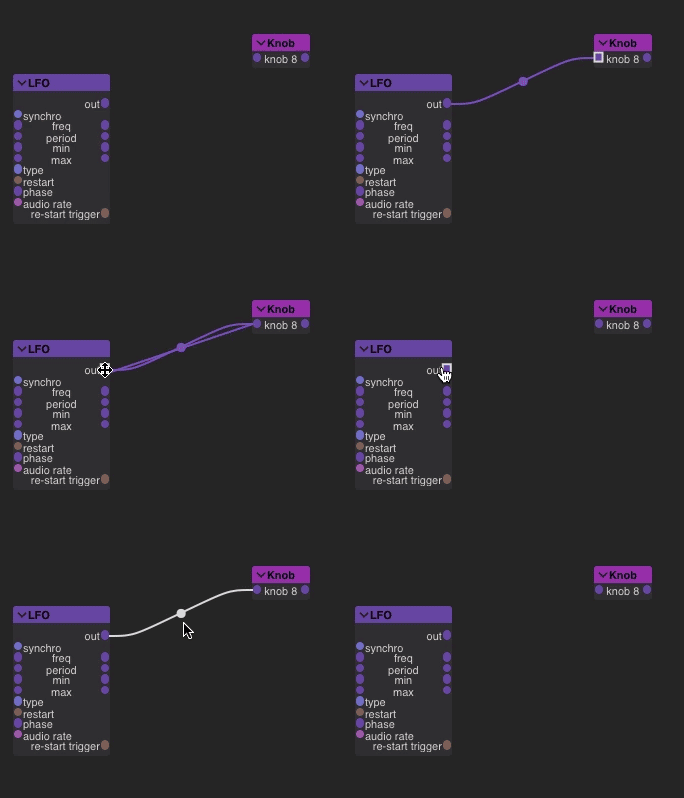
Create or delete a wire
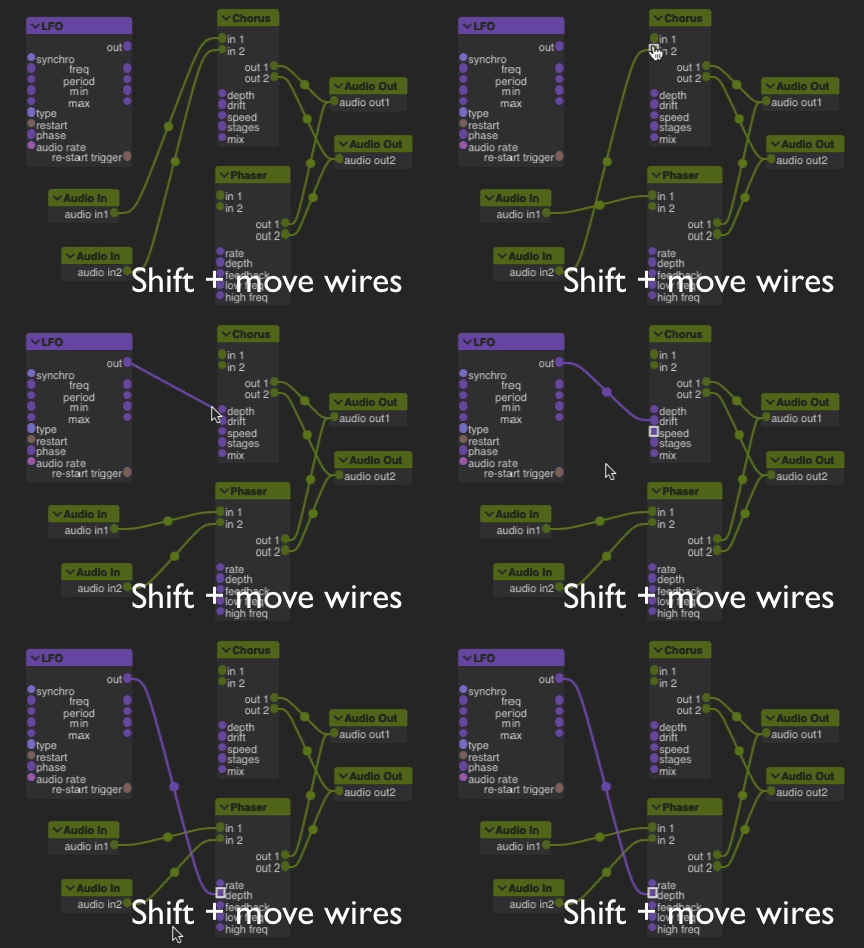
Move a wire
Use the [Shift] key.
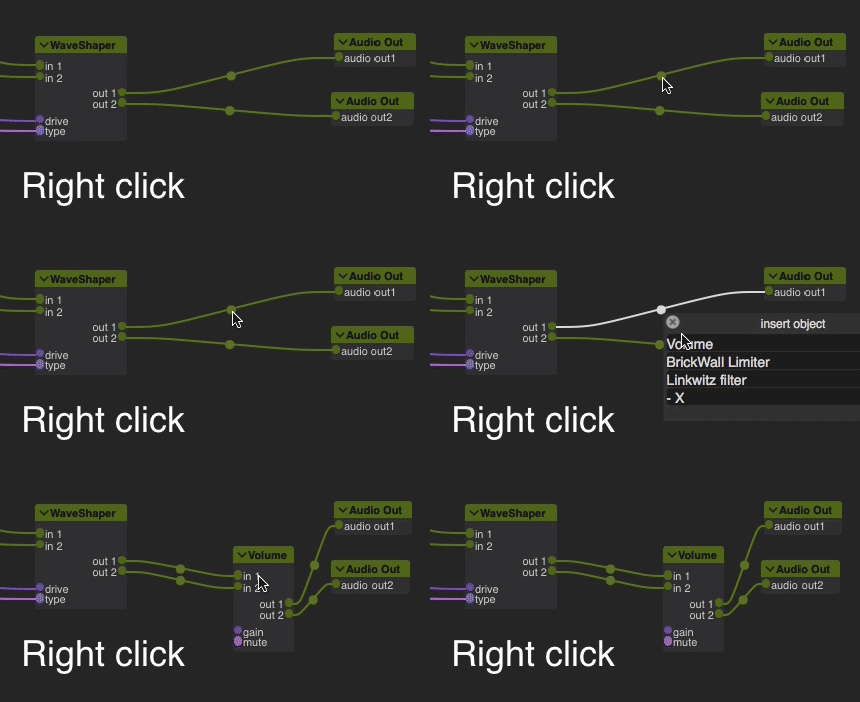
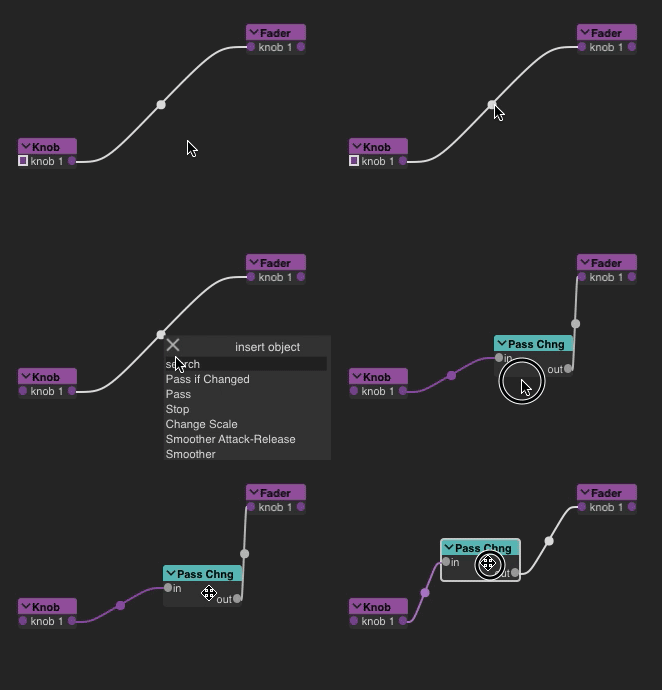
Insert module on wire
[Drag&Drop] on a wire.
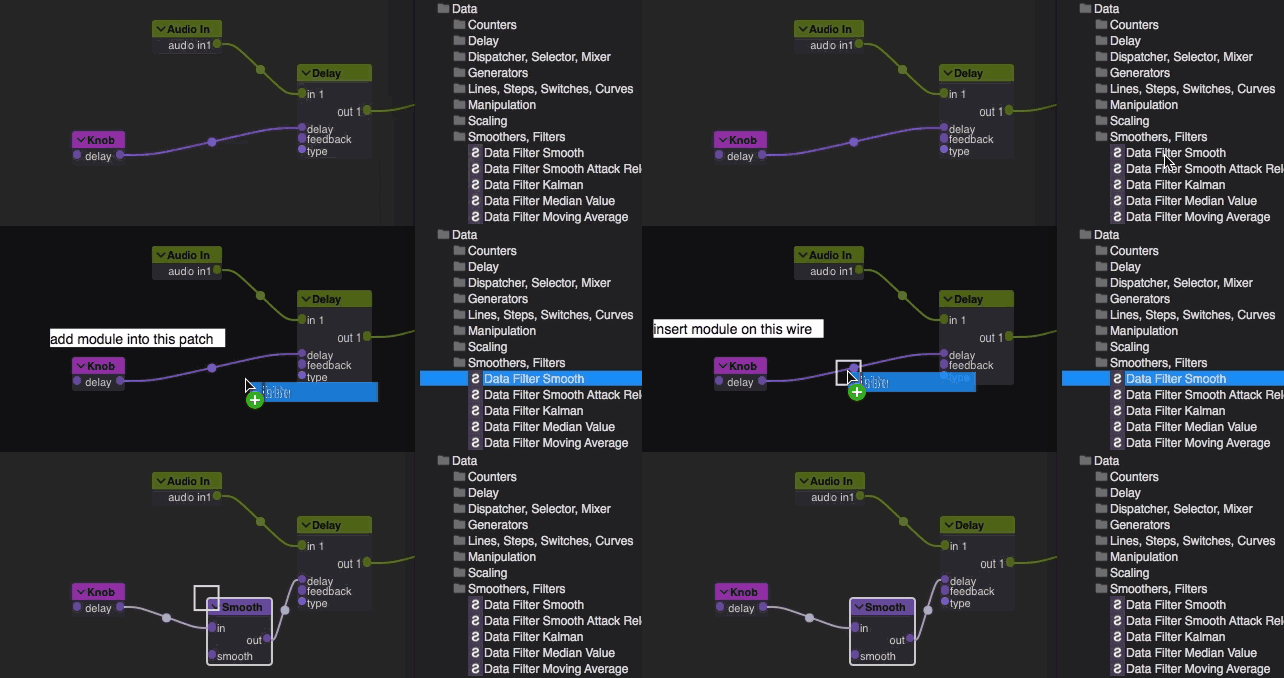
[Right-Click] on a wire.
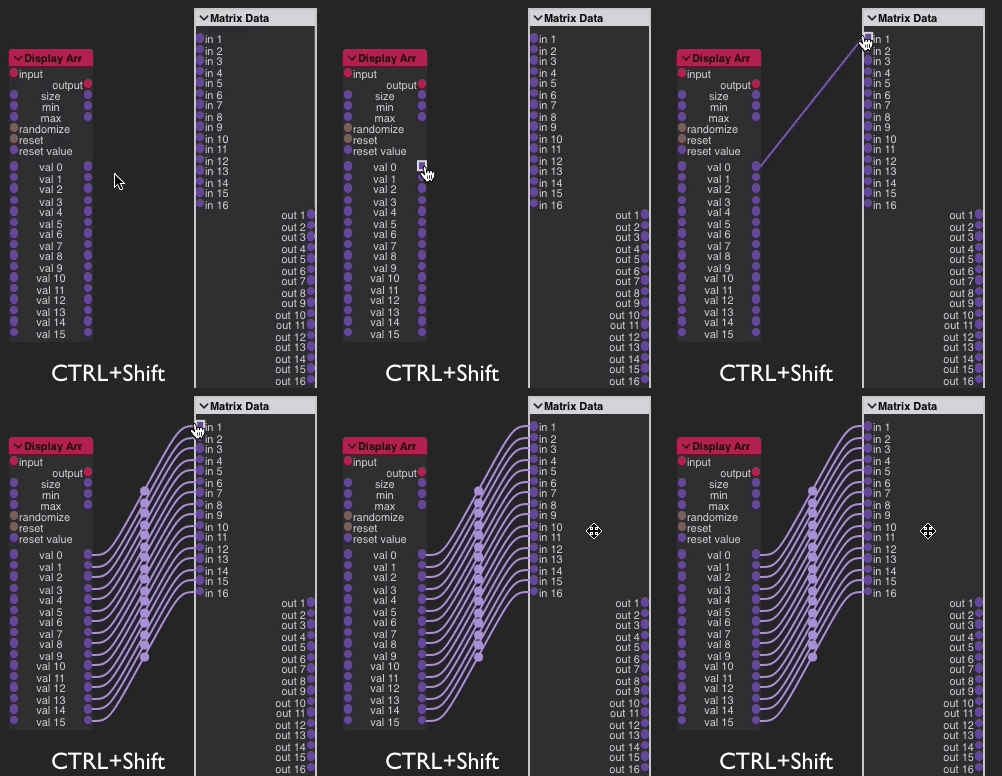
Bulk patching
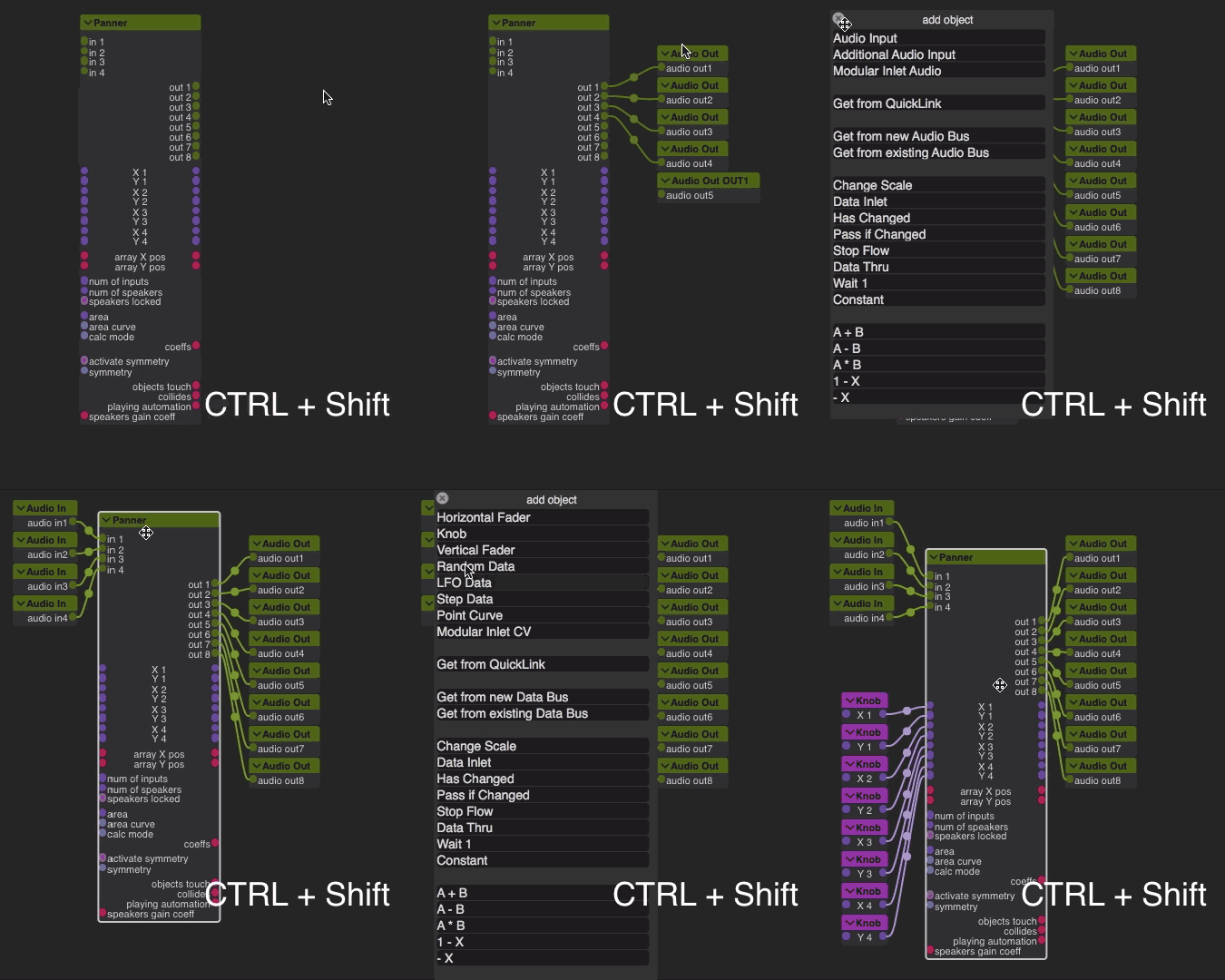
Hold [Shift+Ctrl] while you create a wire:
- from an outlet to an inlet: the following outlets are connected to the following inlets too, as long as they have the same flow type and no separator is reached.
- released in an empty zone: the template chosen in the templates-panel is applied to the inlet or outlet and repeated for each following one of the same flow type.
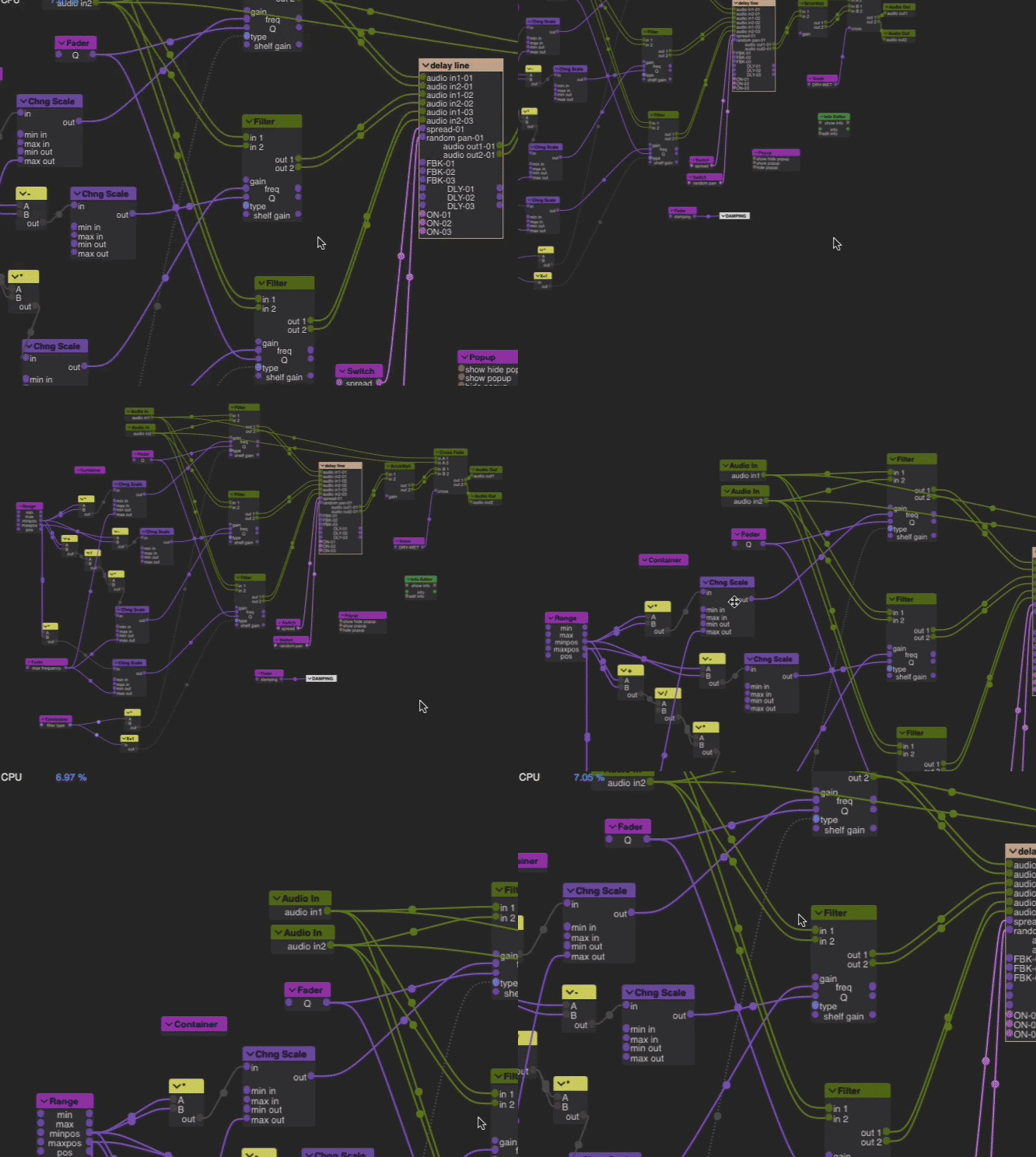
Zoom inside a patch
Use the [Wheel Mouse].
See also
- Empty Sub-Patch (SUB-PATCH)
- Tutorial : Patching
- Using Drag & Drop
- Manipulate Bitmaps
- Flow types
- Manipulate Comma-Text
- Use Quick-Links
- Get Multi-touch and Gesture info
- Example : interactive delay
- Patching Commands
- Create Sub-Patches
- Usine Object Get
- Usine On OSC Receive
- Usine On MIDI Receive
- Patching
- Flow Resample
- Flow Pass if Changed Multi
- Patch Send Internal Message
- Flow Wait Multi
- Patch Password Protect
- Flow Freeze Multi
- Patch On Initialization
- Flow to Data Rate
- Flow Resample Multi
- Flow Pass Multi
- Flow Freeze
- Poly Current Voice Number
- Poly Array value
- Flow Collection Stack
- Flow Collection Circular Buffer
- Flow Collection Queue
- Flow Track Hold
- Flow Stop
- Flow Wait
- Flow Swap
- Patch On Activation
- Flow Pass
- Flow Stop Multi
- Flow Thru Multi
- Flow From 1 to 0
- Patch ON-OFF
- Poly Sub-Patch Polyphony
- Flow Collection List
- Patch Comment
- Flow Pass if Changed
- Flow Toggle
- Poly Voice Dispatcher MIDI
- Flow Thru
- Poly Voice Dispatcher MPE
- Flow Is NULL
- Patch Info Editor
- Patch On DeActivation
- Flow to Audio Rate
- Patch Bypass
- Flow Sample Hold
- Flow From 0 to 1
- Flow Has Changed
version 7.0.250921
Edit All Pages