Dialog File Save
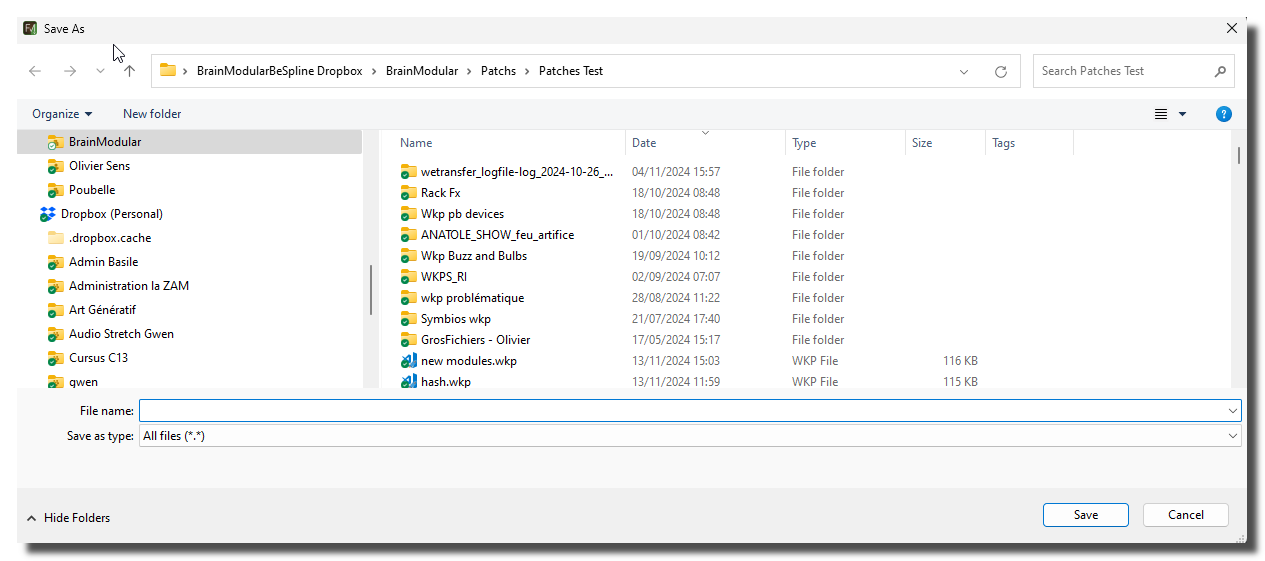
Opens the standard file save dialog to let the user choose a file.
Settings
open dialog
Opens the dialog box when the input goes from 0 to 1 (rising edge): an input that stays at 1 does not open it again, it must go back to 0 first. The dialog is modal, the Usine interface waits until it is closed; then completed or canceled sends 1.
filename
Full path of the selected file. Stays unchanged when the dialog is canceled.
short filename
Filename without path information.
root folder
Folder where the dialogs opens by default.
After a selection, root folder takes the folder of the selected file.
filter
Files filter, as pairs description|patterns separated by |, several patterns separated by ;. Empty: all files are shown.
For example can be:
Patch files (*.usine-patch)|*.usine-patch
All Images|*.jpg;*.bmp;*.ico
Wave, aiff or mp3 files|*.wav;*.aif;*.mp3;*.flac
Audio files|*.wav;*.aif|All files (*.*)|*.*
default ext
Default extension, added to the file name when the user types a name without extension. For example txt.
completed
Send 1 value when the open dialog operation is completed.
A flow-from-1-to-0 must be used to trigger something when the operation is completed or canceled.
canceled
Send 1 value when the open dialog operation has been canceled.
A flow-from-1-to-0 must be used to trigger something when the operation is completed or canceled.
reset filename
Sets the file name, the short file name and the root folder to a blank string.
Common Settings
info
show manual
Button. Opens the manual page of the selected object (or of its parent module for a control) in the web browser. If no page exists for this object, an error is traced in the trace panel.
For more details about information/help creation, see create-help-file.
description
Free multi-line text attached to the module, saved with the patch. When it is not empty, it is shown as the hint of the module (mouse over the module header in the patch) in place of the default module hint, even when the module hints are disabled.
ID's
visible only in god mode, see setup-panel-tab-expert.
unique ID
Read-only, not saved. Current private numeric ID of the object, used internally to identify it (for example as the target of a bind ID).
preset ID
Read-only, not saved. Private ID used to store and recall the values of this control in presets.
recreate ID
Button. Generates a new unique ID, original ID and preset ID for the object. Use it if you experience difficulties in Polyphonic mode or if two objects share the same ID. Preset values and binds referring to the old IDs are lost.
Object Remote Address
absolute
Read-only, not saved. Absolute address of the object in the Usine objects tree, built from the workspace root. This is the address to use to reach the object from scripts, the objects panel or remote messages. Only shown for objects that are registered in the objects list. See objects-address.
local
Read-only, not saved. Address of the object relative to the current patch, valid inside that patch only. See objects-address.
user addr
Free user-defined address for the object (empty by default). When set, the object is also registered in the objects tree under this name, so it can be reached independently of its position in the workspace (the value is also reported in the mouse-over and mouse-down chunks). Changing it rebuilds the objects list. Only available on objects that support a user address. See objects-address.
See also
- File Collection Panel
- Files
- File Zip
- Filename Delete Extension
- File Delete
- Filename Usine Path
- File Rename
- File Copy
- Filename Path Delimiter
- File UnZip
- File List Manager
- Filename Extract Name
- Filename Get Temp Folder
- File Save Text File
- File Open Text File
- File Lister Split
- Filename Extract Path
- Filename Get Temp Filename
- Filename Extract Extension
- File Drive Insert Notification
- File Lister
version 7.0.250921
Edit All Pages