Interface Design
Interface Design modules are the visual building blocks of your custom user interfaces. They include interactive controls (faders, knobs, buttons, switches, listboxes) and panels (containers, oscilloscopes, editors, 2D/3D interactive surfaces, drawing tools) that you place in the control panel to build tailored instrument interfaces.
Categories
| Category | Modules | Description |
|---|---|---|
| Faders & Knobs | 8 | Horizontal/vertical faders, rotary knobs, color picker, filename/folder/string/timecode/MIDI faders |
| Buttons & Switches | 6 | Push button, toggle switch, double switch, play switch, LED indicator, and range fader |
| Lists & Menus | 3 | Combobox dropdown, listbox, listbox displayed as buttons, and main menu |
| VU Meters | 3 | Horizontal, vertical, and LED-style audio level meters |
| Containers & Layout | 4 | Container panel, popup window, separator, and shape drawing |
| Text & Image | 3 | Text display, image display, and embedded web page |
| Oscilloscopes | 3 | Audio waveform, data over time, and XY Lissajous displays |
| Array & Matrix Editors | 3 | Numeric array editor, string array editor, and interactive matrix |
| Drawing & Trajectory | 5 | Draw pixels, trajectory paths, spline curves (2D/3D), and polygon drawing |
| Interactive 2D/3D Surfaces | 6 | XY/XYZ pads, XY/XYZ draw, meta-surfaces (2D/3D) for spatial control |
| Specialized Panels | 4 | Ruler, points path with collision, wave display, file browser, and OpenGL video |
Faders & Knobs
Continuous value controls for numeric, color, filename, string, and timecode input.
- Control Fader Color
- Control Fader Filename
- Control Fader Folder
- Control Fader Horizontal
- Control Fader MIDI Notes
- Control Fader String
- Control Fader Timecode
- Control Fader Vertical
- Control Knob
- Control Knob MIDI Notes
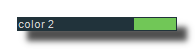
A control fader for color values.
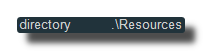
A control fader for filename strings.

A control fader for folder names.
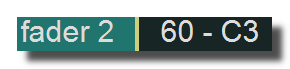
Horizontal fader module.

Like control-fader-horizontal module but displays the MIDI note names.
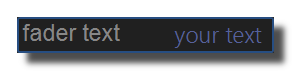
A control fader for text values.
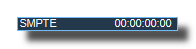
A control fader for timecode values.
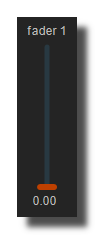
Simple control-fader with a vertical layout.
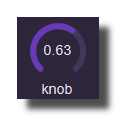
Rotary knob module.
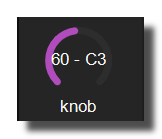
Like a classic control-knob module but displays the MIDI note names.
Buttons & Switches
Discrete value controls: push buttons, toggles, LEDs, and range selection.
- Control Button
- Control Led
- Control Play Switch
- Control Switch
- Control Switch Double
- Panel Range Fader
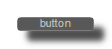
Button module which sends a trigger when clicked.
Works exactly like a control-switch module but with a different design.

Works exactly like a control-switch module but with a different layout: it's drawn as a small triangle and is suitable for play on/off switches.

Switch module. Sends the ON value (1 by default) when ON, OFF value (0 by default) otherwise.
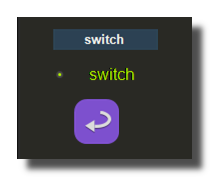 3 Different switches design
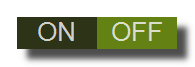
Works exactly like a control-switch module but with a different layout: it displays ON and OFF captions.
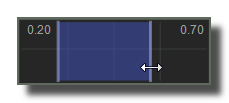
Displays a range of numeric values and a cursor.
Lists & Menus
Selection controls for choosing from a list of items.
- Control Combobox
- Control Listbox
- Control Listbox Buttons
- Main Menu
Displays a list of items as a combo box.
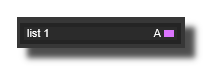
Displays a list of items as a list.
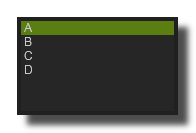 list box
Displays a list of items as a list of buttons.
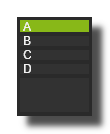 list box button
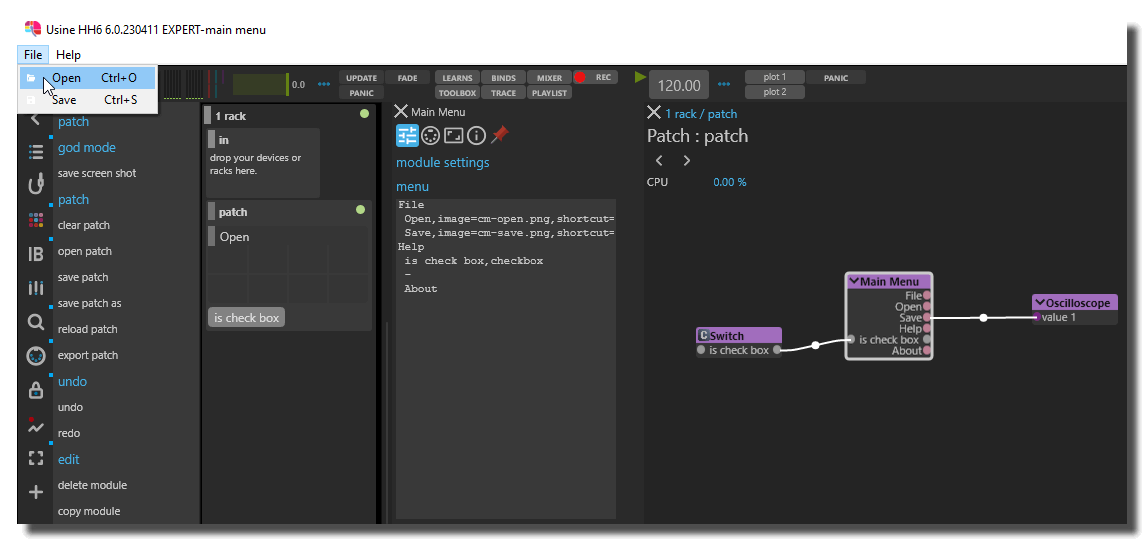
Creates a main menu for the application. The structure of the menu is defined as an indented text (with spaces) representing the menu's structure.
VU Meters
Audio level indicators in horizontal, vertical, and LED styles.
- Control Vu Meter Horizontal
- Control Vu Meter Led
- Control Audio Vu-Meter Vertical
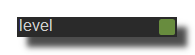
Displays the level of the incoming audio flow.
Displays the level of the incoming audio flow as a small LED.
Containers & Layout
Structural panels for organizing your interface layout.
- Panel Container
- Panel Popup Window
- Panel Separator
- Panel Shape
The container is like a panel but it can contain several other interface-design modules or other containers.
Adds a Popup window inside a patch.
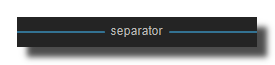
Simple visual separator panel.
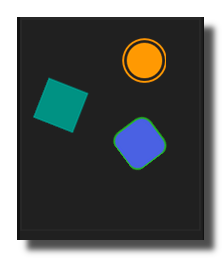
Oval, Circles, Rectangle, Hexagon, Pentagon, Triangle shape panel.
Text & Image
Display text, images, and embedded web content.
- Panel Embedded Web Page
- Panel Image
- Panel Text
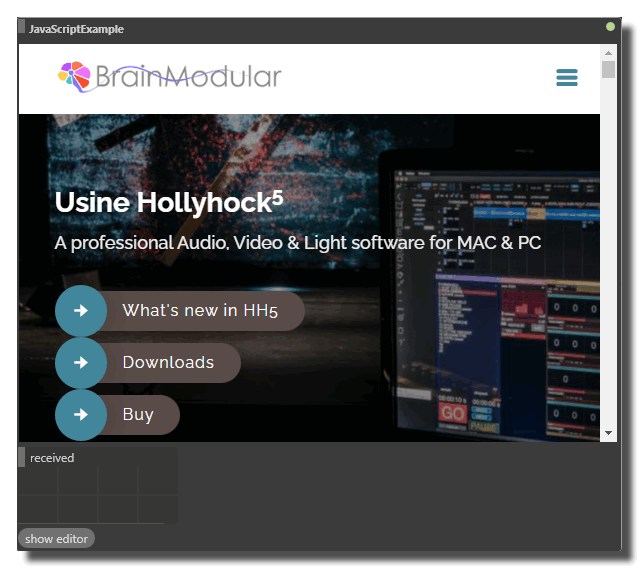
Displays a web page or html/javascript content directly embedded into a panel of Usine.
Simple panel, can be used to display a bitmap or an image.
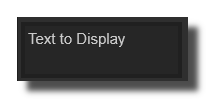
Displays a text into a panel.
Oscilloscopes
Real-time waveform and data visualization.
- Panel Oscilloscope Audio
- Panel Oscilloscope Data
- Panel Oscilloscope XY
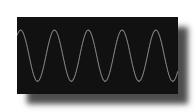
Displays the waveform of an audio flow.
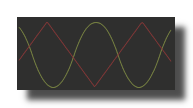
Displays the variations of 2 numeric values.
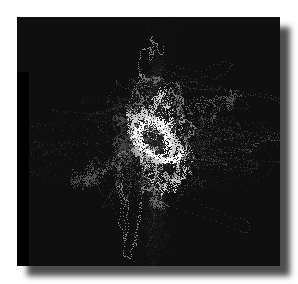
Displays the variations of 2 numeric values on X and Y axis.
Array & Matrix Editors
Edit numeric arrays, string arrays, and interactive switch/fader matrices.
- Panel Array Editor Data
- Panel Array Editor String
- Panel Matrix
Module to display or edit values of an array.

Module to display or edit values of strings, generally a comma-text.
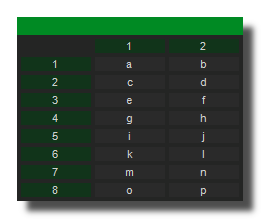
Module to display or edit values of an array.
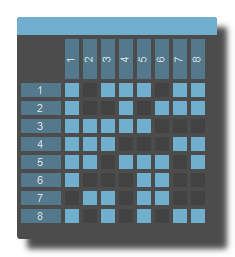
Drawing & Trajectory
Draw pixels, paths, and spline curves in 2D and 3D space.
- Panel Draw Pixels
- Panel Draw Trajectory
- Panel Draw Trajectory Spline
- Panel Draw Trajectory Spline 3D
- Panel XYZ Polygon
Draw pixels into a panel at a position given by X,Y array.
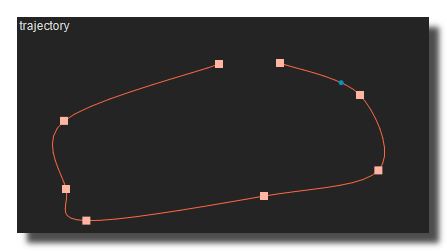
Panel to draw 2D path and also a simple way to store a list of XY coordinates.
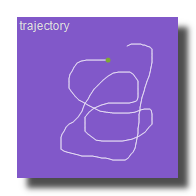
2D version of the panel-draw-trajectory-spline-3d.
Panel to draw 2D or 3D path and also gives a simple way to store a list of XY coordinates.
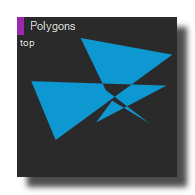
Draws 3D polygons or lines in a panel with adjustable X, Y, Z positions and sizes.
Interactive 2D/3D Surfaces
Spatial control surfaces for positioning objects, calculating distances, and creating interactive meta-surfaces.
- Panel Meta Surface
- Panel Meta Surface 3D
- Panel XY Draw
- Panel XY Pad
- Panel XYZ Draw
- Panel XYZ Pad
2D version of the panel-meta-surface-3D.
Calculates distance-based coefficients from a selector to objects. Can be used to create a Meta-Surface.
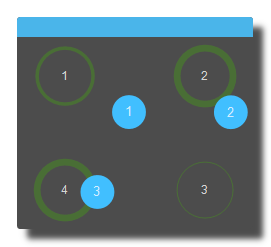
2D version of the panel-xyz-draw
2D version of the panel-xyz-pad.
Creates a panel where you can display an oval or rectangle in 3D coordinates. This panel allows direct selection and manipulation of the objects with the mouse.
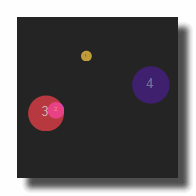
Creates a panel where you can display objects (oval or rectangle) in 3D coordinates. This panel allows direct selection and manipulation of the objects with the mouse.
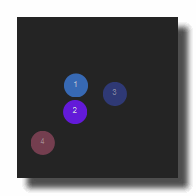
Specialized Panels
Rulers, collision detection, waveform editing, file browsing, and video rendering.
- Panel Browser
- Panel OpenGL
- Panel Points Path
- Panel Ruler
- Panel Wave Display
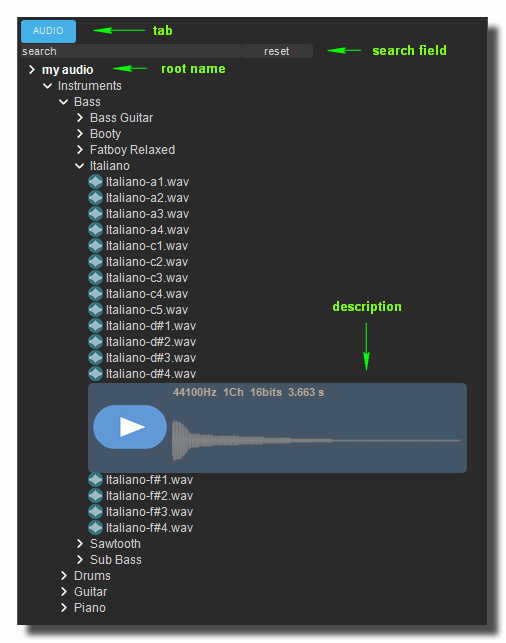
Creates a browser panel with up to 8 tabs. Each tab can contain 12 different root paths.
Simple panel that displays a video in OpenGL format.
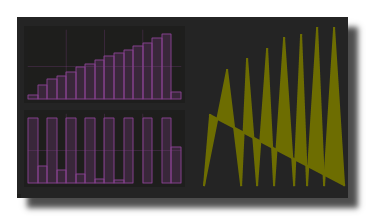
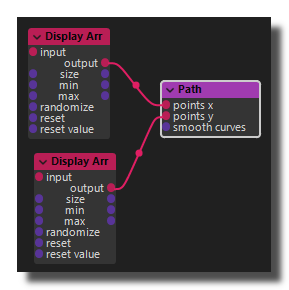
Graphic path module made of 2D points, which can be used to create complex visual objects.
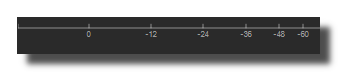
Displays a vertical or horizontal ruler.
Legacy module that displays the waveform of the audio-sampler-recorder-midi-legacy and MIDI-sampler-legacy modules.
See also
All Interface Design Modules
- Control Button
- Control Combobox
- Control Fader Color
- Control Fader Filename
- Control Fader Folder
- Control Fader Horizontal
- Control Fader MIDI Notes
- Control Fader String
- Control Fader Timecode
- Control Fader Vertical
- Control Knob
- Control Knob MIDI Notes
- Control Led
- Control Listbox
- Control Listbox Buttons
- Control Play Switch
- Control Switch
- Control Switch Double
- Control Vu Meter Horizontal
- Control Vu Meter Led
- Control Audio Vu-Meter Vertical
- Main Menu
- Panel Array Editor Data
- Panel Array Editor String
- Panel Browser
- Panel Container
- Panel Draw Pixels
- Panel Draw Trajectory
- Panel Draw Trajectory Spline
- Panel Draw Trajectory Spline 3D
- Panel Embedded Web Page
- Panel Image
- Panel Line
- Panel Matrix
- Panel Meta Surface
- Panel Meta Surface 3D
- Panel OpenGL
- Panel Oscilloscope Audio
- Panel Oscilloscope Data
- Panel Oscilloscope XY
- Panel Points Path
- Panel Popup Window
- Panel Range Fader
- Panel Ruler
- Panel Separator
- Panel Shape
- Panel Text
- Panel Wave Display
- Panel XY Draw
- Panel XY Pad
- Panel XYZ Draw
- Panel XYZ Pad
- Panel XYZ Polygon
Button module which sends a trigger when clicked.
Displays a list of items as a combo box.
A control fader for color values.
A control fader for filename strings.
A control fader for folder names.
Horizontal fader module.
Like control-fader-horizontal module but displays the MIDI note names.
A control fader for text values.
A control fader for timecode values.
Simple control-fader with a vertical layout.
Rotary knob module.
Like a classic control-knob module but displays the MIDI note names.
Works exactly like a control-switch module but with a different design.
Displays a list of items as a list.
list box
Displays a list of items as a list of buttons.
list box button
Works exactly like a control-switch module but with a different layout: it's drawn as a small triangle and is suitable for play on/off switches.
Switch module. Sends the ON value (1 by default) when ON, OFF value (0 by default) otherwise.
3 Different switches design
Works exactly like a control-switch module but with a different layout: it displays ON and OFF captions.
Displays the level of the incoming audio flow.
Displays the level of the incoming audio flow as a small LED.
Creates a main menu for the application. The structure of the menu is defined as an indented text (with spaces) representing the menu's structure.
Module to display or edit values of an array.
Module to display or edit values of strings, generally a comma-text.
Creates a browser panel with up to 8 tabs. Each tab can contain 12 different root paths.
The container is like a panel but it can contain several other interface-design modules or other containers.
Draw pixels into a panel at a position given by X,Y array.
Panel to draw 2D path and also a simple way to store a list of XY coordinates.
2D version of the panel-draw-trajectory-spline-3d.
Panel to draw 2D or 3D path and also gives a simple way to store a list of XY coordinates.
Displays a web page or html/javascript content directly embedded into a panel of Usine.
Simple panel, can be used to display a bitmap or an image.
Simple panel on which lines are drawn.
Module to display or edit values of an array.
2D version of the panel-meta-surface-3D.
Calculates distance-based coefficients from a selector to objects. Can be used to create a Meta-Surface.
Simple panel that displays a video in OpenGL format.
Displays the waveform of an audio flow.
Displays the variations of 2 numeric values.
Displays the variations of 2 numeric values on X and Y axis.
Graphic path module made of 2D points, which can be used to create complex visual objects.
Adds a Popup window inside a patch.
Displays a range of numeric values and a cursor.
Displays a vertical or horizontal ruler.
Simple visual separator panel.
Oval, Circles, Rectangle, Hexagon, Pentagon, Triangle shape panel.
Displays a text into a panel.
Legacy module that displays the waveform of the audio-sampler-recorder-midi-legacy and MIDI-sampler-legacy modules.
2D version of the panel-xyz-draw
2D version of the panel-xyz-pad.
Creates a panel where you can display an oval or rectangle in 3D coordinates. This panel allows direct selection and manipulation of the objects with the mouse.
Creates a panel where you can display objects (oval or rectangle) in 3D coordinates. This panel allows direct selection and manipulation of the objects with the mouse.
Draws 3D polygons or lines in a panel with adjustable X, Y, Z positions and sizes.
version 7.0.250921
Edit All Pages