Trash Panel

To delete an object, just Drag & Drop it onto the trash panel, then it will be deleted and stored in the trash (only for patches, racks and devices).
A file dragged from the browser onto the trash is moved into the trash, after a confirmation.
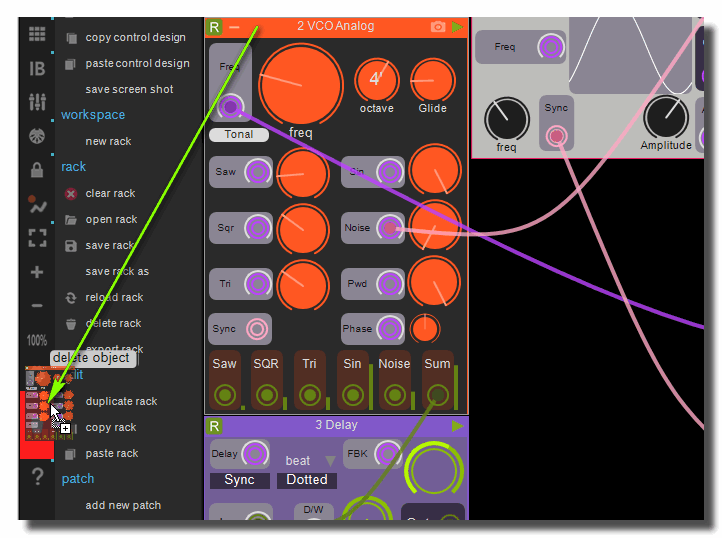
To restore an item, simply Drag & drop it from the trash to the workspace or the place you want.
Each time you save a workspace, rack or patch, Usine stores the old version in the trash. In other words trash-panel contains the history of your racks, patches and workspaces. They can be restored at any time.
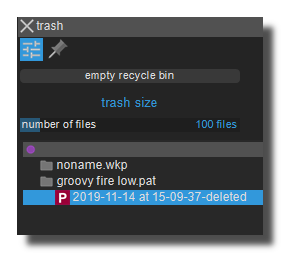
Settings
empty recycle bin
Deletes all the files in the trash.
number of files in trash
Max number of files allowed in the trash (1 to 10000, default 5000). Older items will be definitively deleted.
The trash can take a large space on your hard disk.
See also
version 7.0.250921
Edit All Pages