Inspector Panel
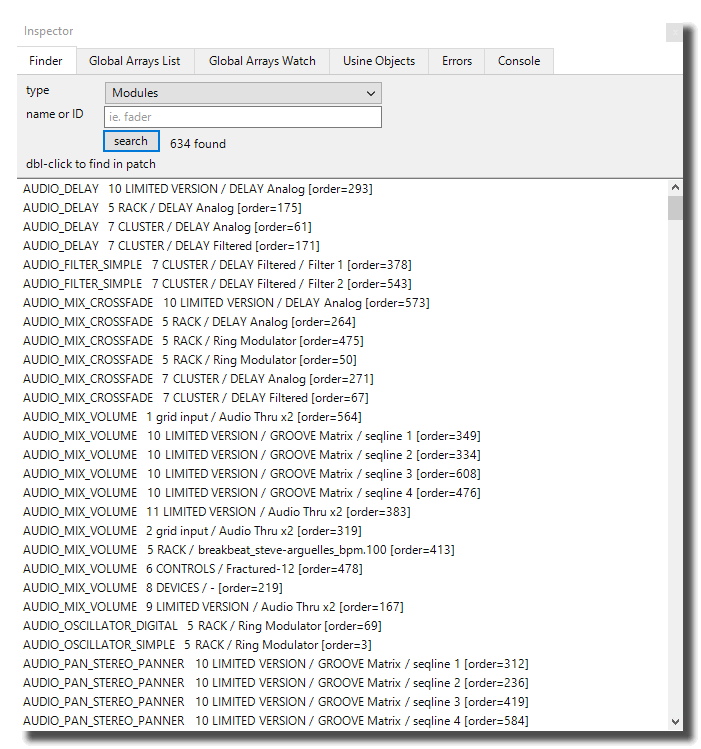
This window is a tool to search modules inside all opened workspaces and to watch contents of global-arrays.
Finder
Find all different type of objects in the current opened workspaces.
- modules,
- global-arrays modules
- buses modules
- quick-links
- fixtures
- media files, strings (search by name)
- etc.
[Double-Click] or [ENTER] to open the patch of the selected module. The options in current patch only and whole word narrow the search.
example
- for modules, enter the name of the module to find, ie.
sampler. - for global-arrays, enter part of the name of global-array to find, ie.
MY-GLOBAL-ARRAY. - for buses, enter part of the name of bus to find, ie.
MY-BUS.
Global Arrays List
Displays all the global-array's values of the current workspaces.
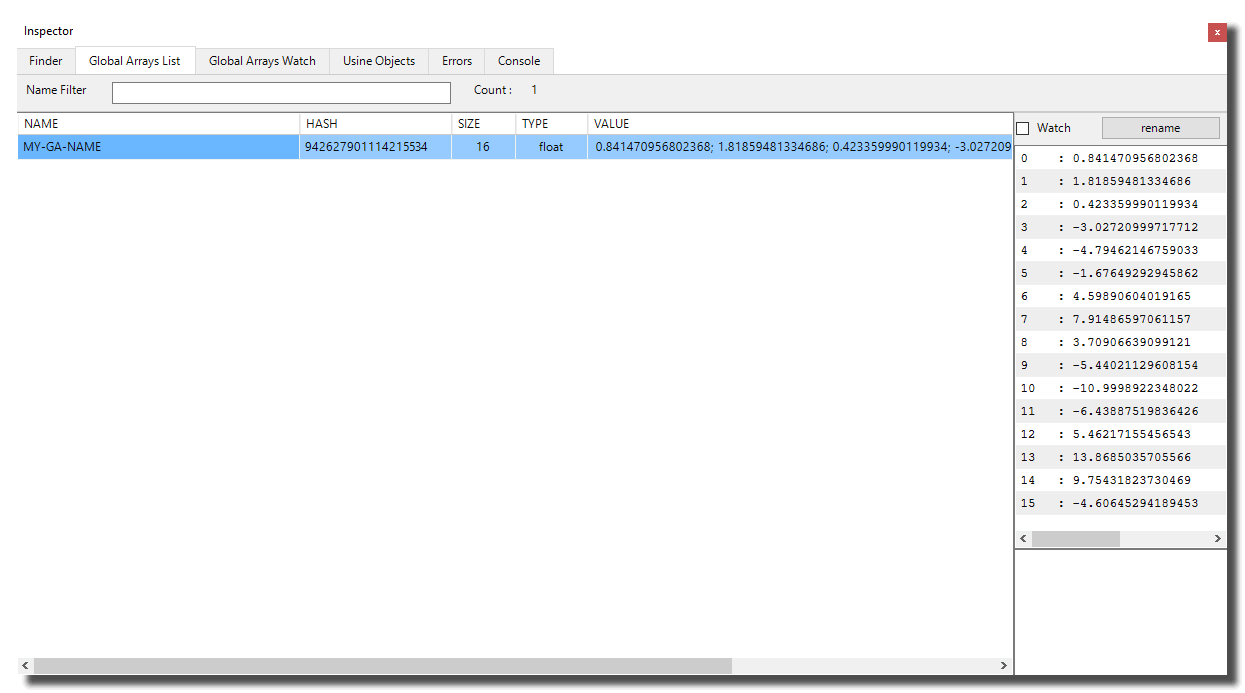
- [Click] on the column header to sort the list according the selected column,
- activate watch to display its changes in the Global Arrays Watch tab.
Global Arrays Watch
Display changes of the "watched" global-array's.
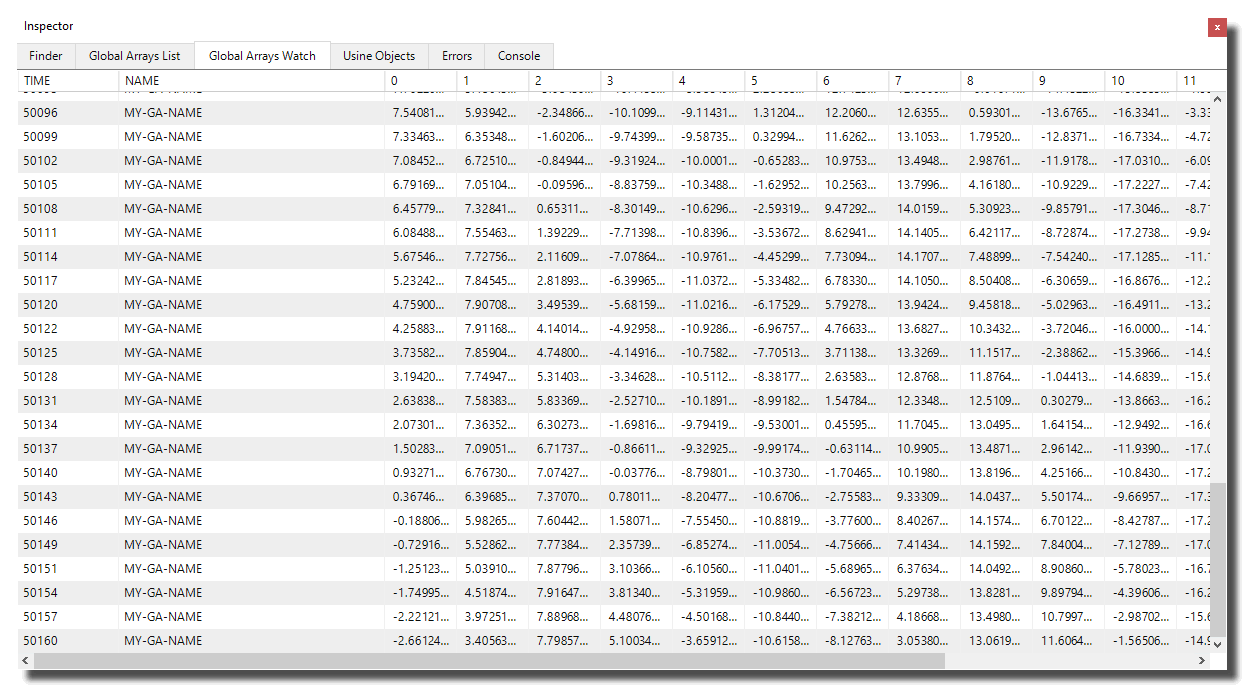
To activate the "watching" of a global-array, activate the switch watch in the Global Arrays List tab.

Watching a global-array is not free in term of CPU...
Chunks
List of all the chunks and the content of the selected one. Clear empties the selected chunk, Delete deletes it and Save exports it to a file.
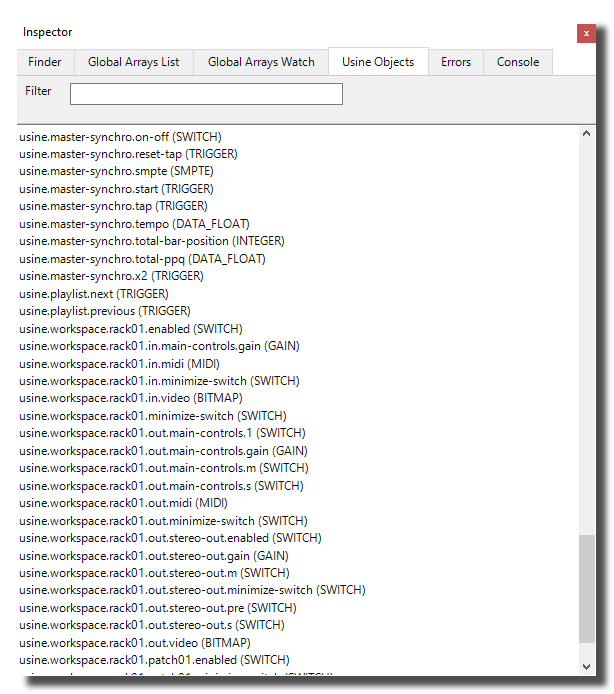
Usine Objects
List of all Usine Objects. See usine-objects.
Errors
List of all errors raised in Usine.
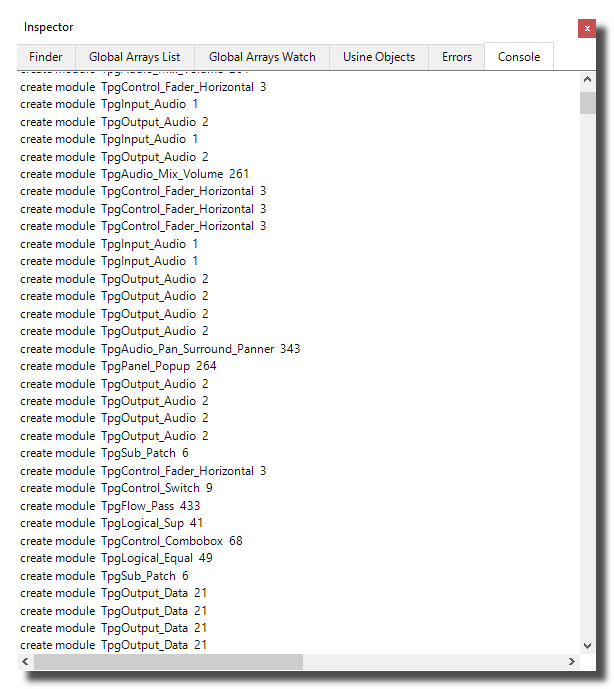
Console
Displays various low level information about tasks executed inside of Usine. The console is generally used to create templates or create user modules with the sdk
Log
Displays the log file of Usine, refreshed every 2 seconds.
See also
version 7.0.250921
Edit All Pages